



Spinaluna App
If you are an avid gadget user, consider installing our Spinaluna app. We went to great lengths to create software that would make your gaming experience at our casino even more comfortable. It takes only a few seconds to install and offers a more streamlined user journey for all players who visit us via smartphones and tablets.



Using Spinaluna on Mobile
More than 80% of Spin Aluna Casino players visit our platform on mobile devices, so we have made it a priority to optimize your experience for smaller screens. Whereas the browser version works perfectly well, the ultimate mobile gaming session would require a dedicated app. That’s what we aimed for when designing the mobile version of Spinaluna Casino.
We chose between two directions: go with a traditional native app or opt for a PWA. The latter proved to be a more suitable choice for our purposes, as it preserved many of the benefits of a native app while removing many of its limitations. As a result of our efforts, the Spinaluna mobile software was born, the golden middle between the two versions.
- Launches instantly without lengthy downloads, both while navigating the website and playing any of our online slots and table games.
- Works equally well on all devices, be it a smartphone, tablet, laptop, or desktop computer.
- Requires little to no storage space.
- Updates automatically every time you launch the Spinaluna app. You don’t need to schedule a download or even wait for it to update when you launch it.
- Feels more intuitive for mobile users, as many of the excessive interface elements were removed, while the necessary ones were introduced.
- Gives a more focused gaming experience thanks to the updated design of the game pages.
The Spin Aluna app is available for both new users and regular players. If you’ve been with us a while, you can access your account without logging in again. Newcomers can create a profile and complete the verification process within the app: it supports all the functions of the browser version.
Spinaluna App for Android
If you are an Android user, you can install the Spinaluna Casino app directly from our website, bypassing the need to search for and download it from the Play Store. The installation steps are pretty straightforward:
- Press the three dots icon in the address bar.
- Press “Add to home screen.”
- Press “Add” to confirm your choice.
If you have any questions about installing or using our app, you can always contact the Spinaluna Support Team via live chat or email. Both functions are available in the application so that you can contact us via your preferred version of our platform.
PWA Advantages
One reason we chose a Progressive Web Application for Spin Aluna Casino is its operating advantage. A PWA runs in a browser but imitates the look of a native app. That means we don’t need to develop software for each operating system, including Android, separately. That saves time and effort we can direct elsewhere.
PWAs require little storage space, as they rely mainly on browser technology and online resources to function. They also don’t have such deep access to your device’s hardware, meaning the Spinaluna app won’t ask for countless permissions upon installation. Native apps do boast better performance, but our games are not too demanding anyway.
APK Awareness
We deem it important to mention that we distribute only Spin Aluna PWA. Any APK files that Android users may come across online are not our product. We strongly discourage you from installing any casino APK files, as there is no way to verify their origin or safety.
| Feature | Spinaluna PWA | APK Files |
| Reliability | Spinaluna Casino is the official distributor, so no safety risks are involved. | Often distributed by unknown third-party websites. |
| Security | All the safety tools applied for our browser version work for the app as well. | APK files from unofficial sources may contain malware, spyware, or harmful modifications. |
| Installation Process | No download required—you simply add the shortcut to your home screen. | Downloading external files and enabling installations from unknown sources. |
| Storage Usage | Lightweight solution that occupies very little device memory. | APK packages occupy more storage space. |
| Account Safety | Operates directly through our infrastructure, negating security risks. | Unofficial APKs may compromise login credentials or personal information. |
If you are unsure which version of the Spinaluna app is legitimate, contact our Support Team. We will always guide you through the steps of getting secure mobile casino software.
Spinaluna App for iOS
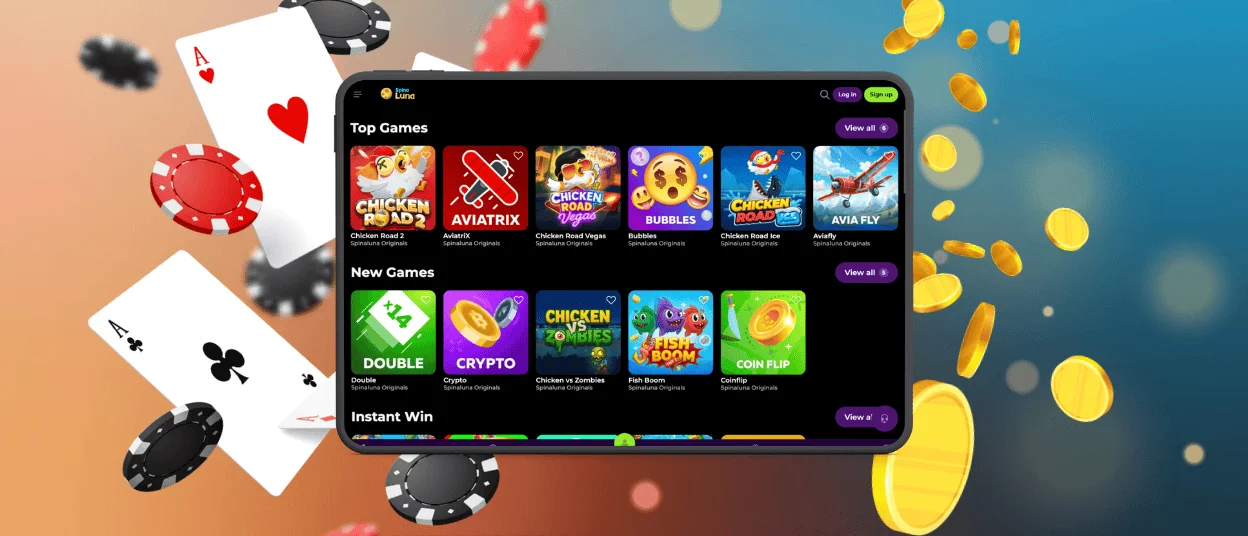
All the players who visit us via iPhones and iPads can enjoy the same perks of using our app. The installation process is similar, but it is more specific when it comes to browser choice.
- Open the Spinaluna Casino website via Safari.
- Press “Share.”
- Select “Add to Home Screen.”
- Press “Add.”
The Spin Aluna icon will appear on your screen. In case you can’t find a specified button, you can always click on our Casino App banner, which leads to the instructions page. There you can find all the installation steps with screenshots.
Desktop Applications for Windows and macOS
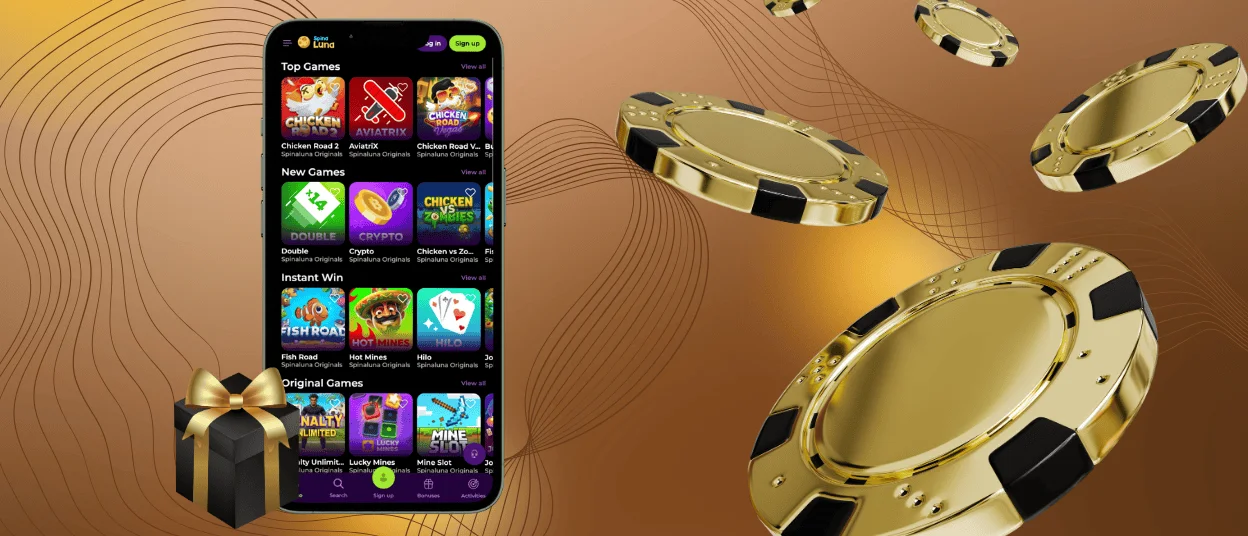
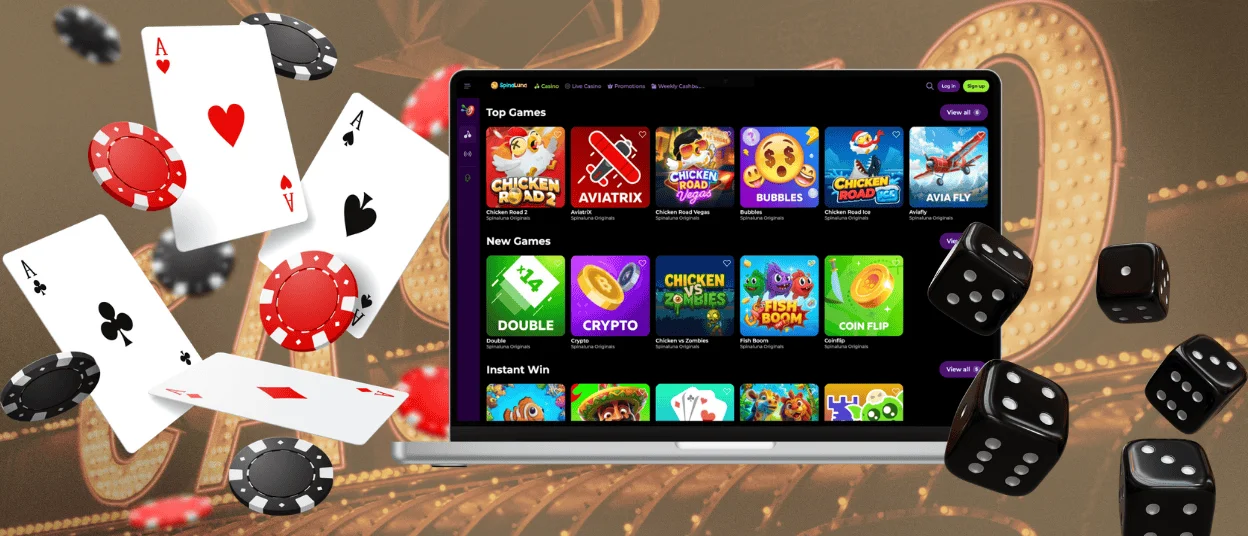
You don’t have to use smartphones or tablets to take advantage of the Spin Aluna app. The main advantage of PWA is its cross-platform compatibility, which means you can use it on any device, including laptops and desktop computers.
If your computer runs on Windows, you can install the Spinaluna Casino software by pressing “Install application” in the address bar. MacOS users can use Safari’s built-in share options to download the software.
FAQ
Is creating an account required to use the Spinaluna app?
You don’t need an account to download the application, but you need one to play games at our casino. There is no need to use the browser version to register: you can create an account right in our app.
Do I get the same games on mobile as on desktop?
The selection of available games is the same, but you will notice a difference in the design of the game page. It is tailored to your screen size and lacks the empty spaces present in the browser version.
Does the app support push notifications?
Yes, you can turn on push notifications for the mobile version of Spinaluna Casino. You need to enable them in your chosen browser for the feature to work.


